Spend your hours on the argument, not on the page
Decky AI for management consultants. Steerco packs, proposals and client deliverables drafted on your firm's template, aligned to the grid and checked before the partner sees them.
On your firm's master
Every slide is built from the template's own layouts, fonts and colours, so it looks like the rest of the deck.
A storyline before the slides
Give it a brief, an outline or your notes. It sets out the sections and action titles before a single slide is drawn.
Checked before the partner review
Typos, number formats, units, citations and tone, checked across the whole deck in one pass.
The thinking is done by Tuesday. The rest of the week goes into the slides.
Nudging boxes onto the grid, retyping numbers from the model, fixing the house style the night before the steerco.
Decky AI does that work inside PowerPoint, on the deck you already have open. Your team spends its hours on what the client should do.
The decks you produce,
and the files they start from.
-
Steering committee packs
Drafted on your master from the brief and the latest numbers, ready for the engagement manager's review.
-
Proposals and credentials
Approach, team and credential pages built quickly from the RFP and your Slide Library, for fast-moving bids.
-
Findings and recommendation decks
Action titles that read as one storyline, with every page aligned to the template grid.
-
Executive summaries
A long deck or a memo turned into a one-page summary on your own layout.
-
Client models and data
Read down to the tab and the cell, so figures reach the slide as on-brand tables and charts without retyping.
-
Market research and reports
The facts that matter pulled onto the slide, with the source cited under the figure.
What Decky AI does on a consulting engagement
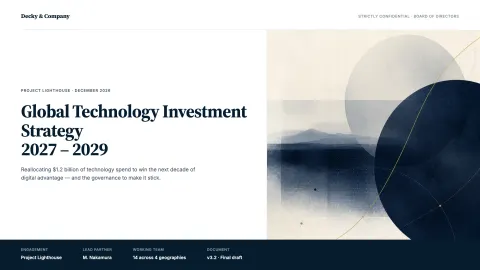
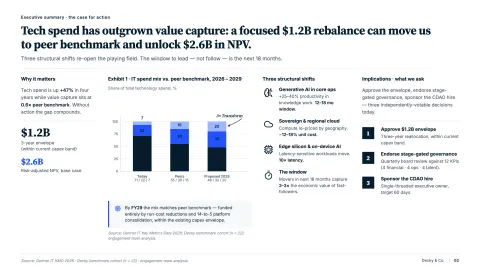
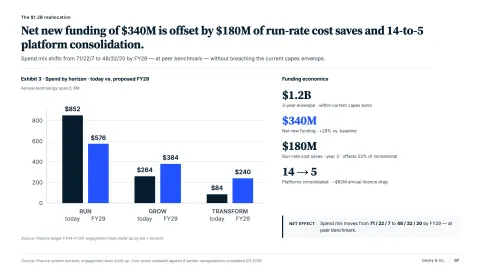
Slide creation
Explore Slide creationTurns a brief, an outline or a memo into a storyline with action titles, then drafts each slide on your master.
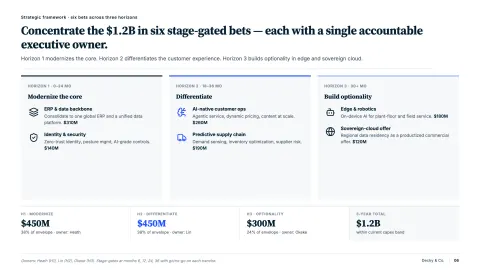
Formatting
Explore FormattingAligns every slide to the template grid and type rules, so the deck looks as if one person built it.
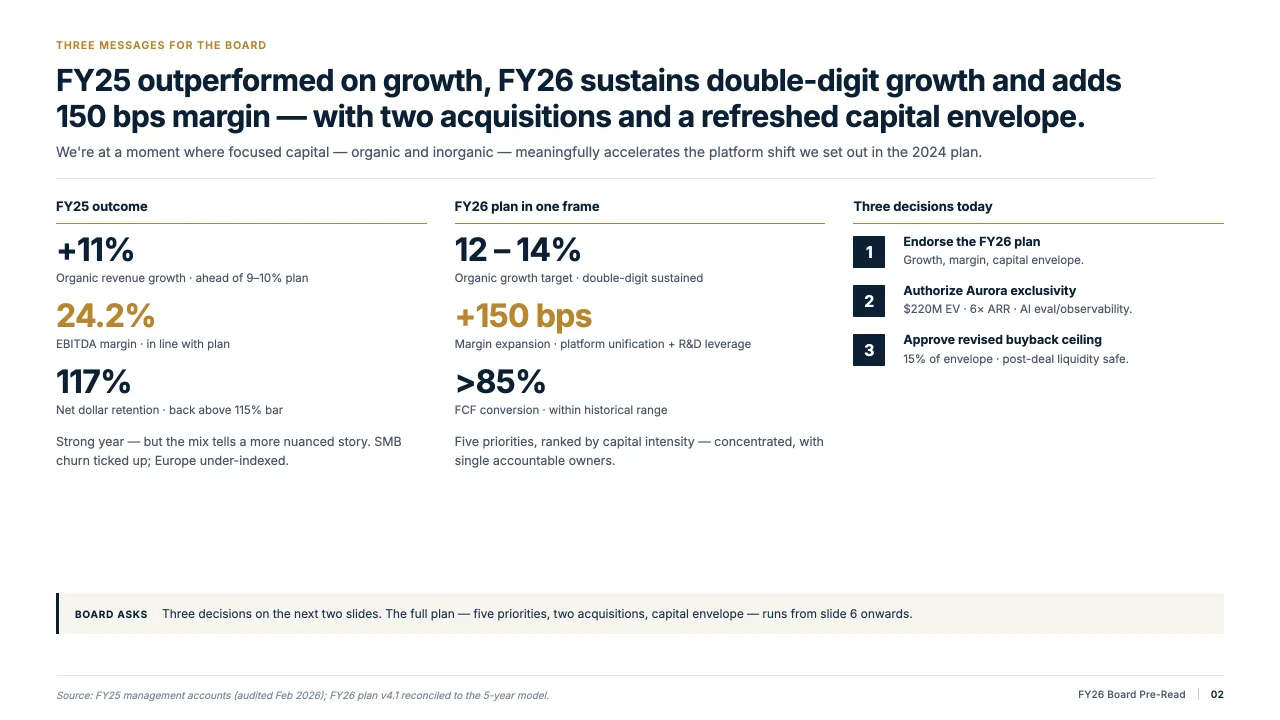
Content check
Explore Content checkChecks typos, grammar, number formats, units, citations and tone across the deck before it goes to the client.
Slide Library
Explore Slide LibraryKeeps your best market maps, team pages and methodology slides ready to drop into the next proposal.
“I care about quality and speed. Decky AI consistently delivers both. It helps produce clearer narratives and better slides in less time.”
FAQs
01Does it work in our firm's own template?
02Does it help with the content, or only the formatting?
03Can it work from our models, documents and research?
04Is client material used to train a model?
05Does it change slides without asking?
Build your next steerco pack with Decky AI.
Try it on your next deck, or book a demo and we will walk you through it.